How to Build a DIY Logitech Shifter USB Adapter

The Logitech Driving Force shifter is an awesome piece of kit. It’s small, stylish, robust, and inexpensive. But unfortunately it has one major drawback: it’s dumb! It has no “smart” electronics whatsoever, just a simple DB-9 connector that absolutely must be plugged into a Logitech wheel base unit in order to function. If you (like me) don’t happen to have a fancy Logitech racing wheel, you have to come up with some other way of connecting the shifter to your PC.

I’m going to show you you can how to build your own DIY adapter in under 15 minutes using only a handful of parts. This is an easy project and requires absolutely no soldering.

(more…)
Sim Racing Shields for Arduino

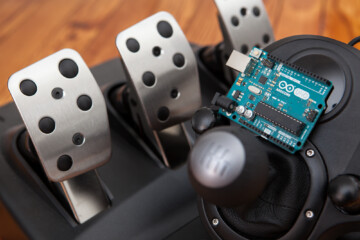
I recently put together a library for interfacing Arduino development boards with sim racing devices such as shifters, pedals, and handbrakes. The library makes it easy to retrieve the relevant data from those devices and send it to a racing simulator. The only catch is that the user has to carefully wire things up themselves, which is a little tedious and results in a somewhat messy final product.

To close that gap, I designed some custom sim racing “shields” which attach to the underside of an Arduino and make it quick and easy to connect to existing sim racing devices.

(more…)

Sim Racing Library for Arduino

Simulator racing tech is amazing. It’s an entire genre of human input devices designed to transform your home desk into the cockpit of a racecar. Wheels, pedals, shifters, handbrakes, gauge clusters, wind generators… you name it, you can find it for your home racing rig.

But with all of the hardware necessary for a comprehensive simulator experience, sim racing is expensive. To try and make it more accessible, communities of makers have sprung up to design their own custom racing devices and adapters built from scratch. Owning a bit of sim racing equipment myself, I thought I would join in on the fun and design a software library that makes it easy to interface sim racing devices with embedded development boards. Introducing the Sim Racing Library for Arduino!

(more…)

DIY Big Buttons for Your Projects

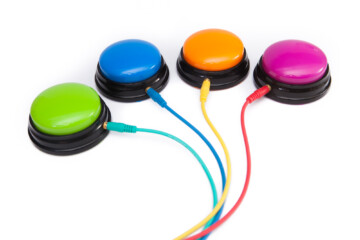
Finding the right buttons can be a pain. Doubly-so when those buttons need to be the size of your fist.

It seems to be a cardinal rule that big buttons are expensive. So what do you do when you just need a few big buttons on hand for your projects? Easy: you take the DIY route and modify an existing device for your own needs. With just a few minutes of work you can create a functional button at a fraction of the cost.

(more…)

Accell USB-C VR Adapter Under-Desk Mount

I recently purchased my first VR headset! It’s a Samsung HMD Odyssey+, one of the Windows Mixed Reality sets from a few years ago which I bought second-hand. It may not be spectacular, but it’s good enough to noodle around in Beat Saber every now and again.

There’s just one problem – my desktop is against the wall, and it’s a real pain to reach around to the back of the PC to plug in the headset. Not to mention that the added distance from the back of the PC to the front of the desk uses up a significant portion of the cable length and reduces your play area accordingly.

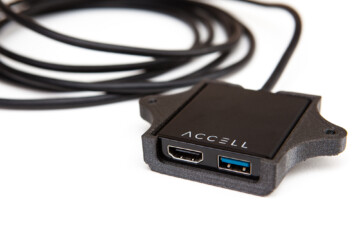
To fix this issue I ended up buying a VR breakout adapter which connects to the USB-C port on my GPU and splits into the HDMI and USB 3.0 ports required for the headset. Now I’m going to integrate it into my desk by building a 3D printed under-desk mount.

(more…)

Guitar Hero X-Plorer USB-C Mod

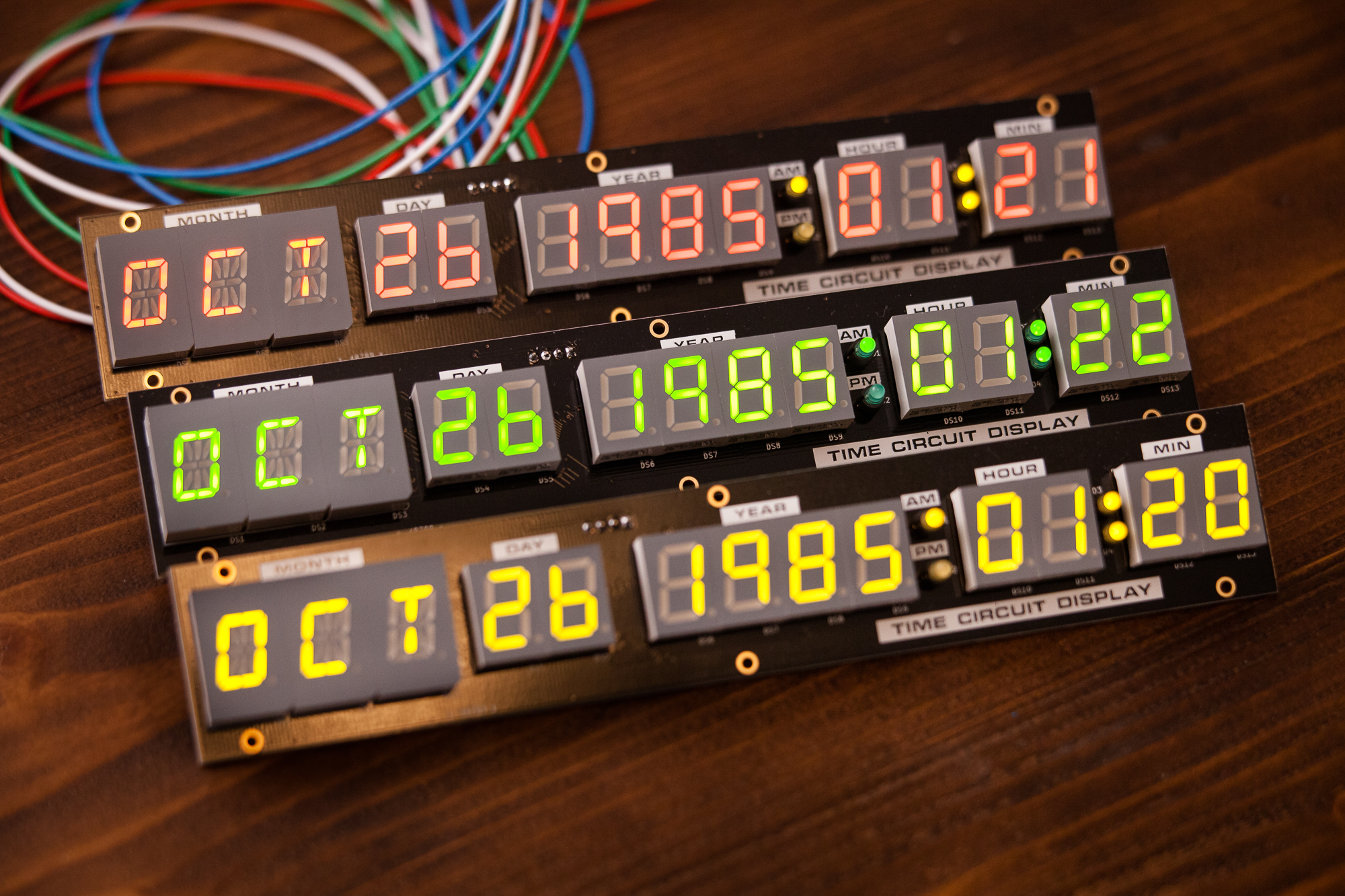
When the sixth generation of video games consoles were released in the mid 2000s, console manufacturers began the process of transitioning from wired to wireless controllers. Both the PlayStation 3 and the Xbox 360 came with wireless controllers but offered wired options for gamers still reluctant to move on from the bulky tethers of yore. Similarly, many 3rd party controller manufacturers were hesitant to switch to the new wireless systems and only offered their controllers with bulky, permanently attached cables.

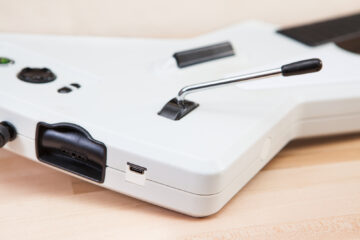
One such controller is the Guitar Hero X-Plorer, an Xbox 360 rhythm controller made by RedOctane. Modeled after a Gibson Explorer, the X-Plorer was released with Guitar Hero 2 and is still a popular choice today for Guitar Hero and Clone Hero players. It comes with a permanently attached 10 ft. USB cable that is great for playing from the couch, but is long and unwieldy when sitting at a desk.

To solve this problem, I’m going to remove the cumbersome USB cable and replace it with a sleek and modern USB-C jack.

(more…)

Teensy 4.0 Minimalist USB Host Shield

When the Teensy 4.0 development board hit the market in late 2019 it blew the doors off the place. Sporting a blazing fast 600 MHz ARM processor, 2 megabytes of flash memory, and over 40 I/O pins, at only an inch and a half long it packs a serious punch in a (Teensy) tiny package.

One of the awesome features of this board is its built-in USB host capability. This allows the microcontroller to talk to other USB devices such as human interface devices (mice, keyboards, joysticks), MIDI controllers, and even other development boards over USB serial. While some previous boards such as the Teensy 3.6 had this feature, this is the first Teensy board to include USB host functionality in a small format package.

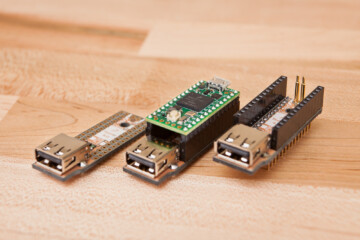
To take advantage of this awesome new feature, I decided to design a minimalist USB host shield for the Teensy 4.0.

(more…)

OBS Studio Audio Track Hotkey Script

In December of 2020, OBS Studio update 26.1 was released and introduced a brand new feature: the ability to select which audio track is stored in the recording (“VOD”) of your Twitch stream. This gives streamers the power to separate audio feeds between what is broadcast live and what is stored for offline viewers. This is particularly useful for streamers who play rhythm games with copyrighted music and are looking to avoid DMCA strikes on their recorded or clipped content.

These track settings are straightforward for those that exclusively stream that sort of content, but doing these changes on the fly can be a pain for those who switch content types mid-stream. You need to open the “Advanced Audio Settings” GUI window, click the check boxes to change the selected audio tracks for the necessary sources, and then close the window.

I wrote a script to make things easier by mapping the audio track options to configurable hotkeys.

(more…)